The plays we ran for this client live in these services.
If you’re here, you’re probably comparing similar engagements. Here’s the surrounding work — services, problems we solved on the way, and the cities where this kind of programme runs.
Published by Branding Pioneers · Published engagement scope and client source material
A practical reference for this page
01
Client contextAster DM Healthcare · Hospital
02
Channels managedSEO · Ads · Social · YouTube
03
Public evidencePublished engagement scope
04
Read alongsideThe source period, programme scope and your own practice baseline
The published scope for Aster DM Healthcare
Aster DM Healthcare — GCC + India programme is filed in the hospital collection. The engagement record identifies channels managed as SEO · Ads · Social · YouTube and cross-border as GCC + India. Its published window is Ongoing. These details establish the scope available for public inspection. Read them alongside the client-specific material on this page when assessing whether the example relates to your own brief.
The page’s narrative and engagement record describe the work made public for Aster DM Healthcare. Use the named scope to identify which service questions to explore further. A channel listed in an engagement record describes programme coverage; evidence of a particular result requires the corresponding report and reporting period.
A hospital programme needs department and location ownership
Multi-specialty providers need a consistent brand while preserving accurate department, clinician and location information. Map the enquiry to the department capable of answering it and identify who maintains those details. A central publishing system is useful only when local service changes can be reflected reliably. For an initial review, test the journey for a small number of high-priority departments before treating the homepage as representative of the whole hospital experience.
Design the website around a real patient task
Start with the task a visitor needs to complete. Finding a treatment, checking a clinician’s background, identifying a location and asking for an appointment are related tasks, but they need different information. Make those paths visible in the navigation and on the relevant service pages. A good brief includes the content and the operational destination of each action: who receives the form, what happens after submission and how a visitor obtains help when the first contact route fails.
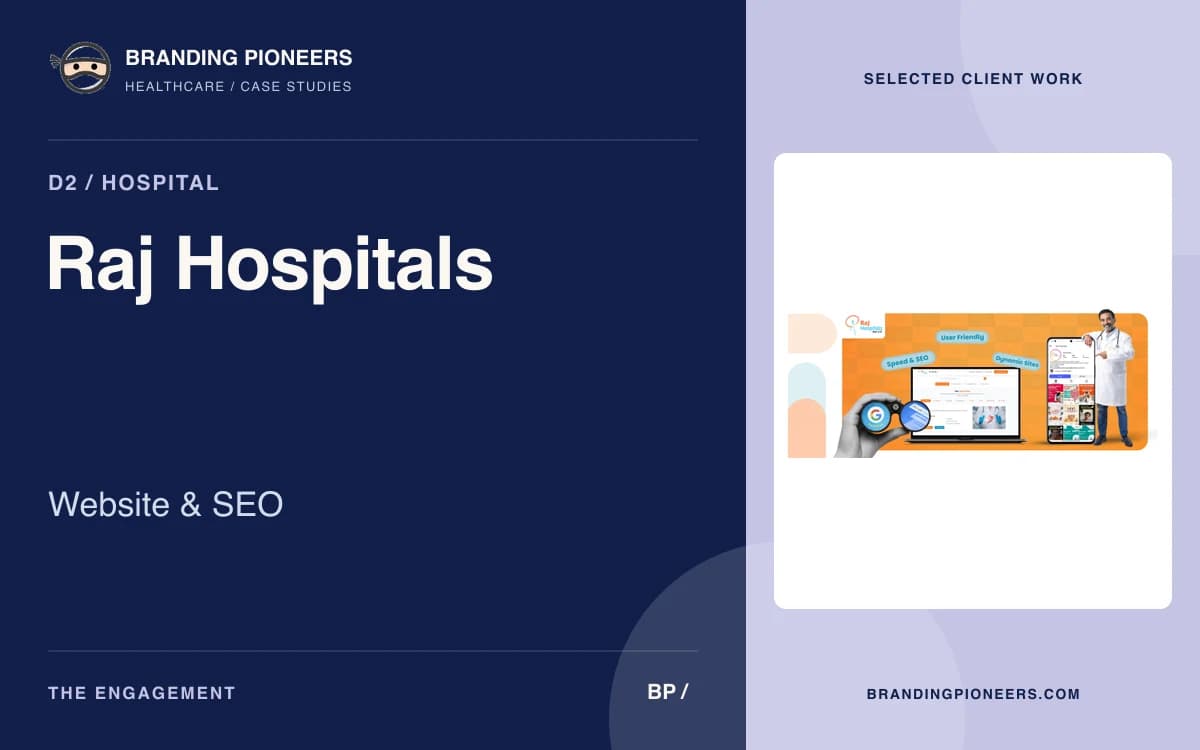
Desktop screens help explain page hierarchy, but they cannot establish the quality of the mobile experience. Check readable text, tap targets, menu behaviour and form validation on a phone. Long doctor biographies and treatment descriptions should remain easy to scan without hiding important details in decorative interactions. When a collection shows both desktop and mobile artwork, compare the priority of information across them. The mobile layout should preserve useful content rather than simply shrink the desktop composition.
From visual approval to a checked release
A launch review should cover content ownership, approved contact information, working forms, redirects and the URLs that search engines are expected to index. If a site replaces an existing website, map important old pages to appropriate new destinations. Check titles, descriptions, canonicals and internal links against the actual released URLs. Keep the review list separate from the visual approval: a polished mockup does not prove that a live booking form, analytics event or redirect behaves correctly.
Document the difference between a design study, a delivered website and a live capture. A design study explains a proposed experience. A live capture records what the site looked like when it was captured. Neither alone establishes an improvement in appointment conversion. For an outcome comparison, use a defined period and consistent event definitions, then reconcile digital enquiries with attended appointments where the practice can do so. Performance and accessibility checks should be repeatable after future content edits, not only at the first launch.
How to read this case file
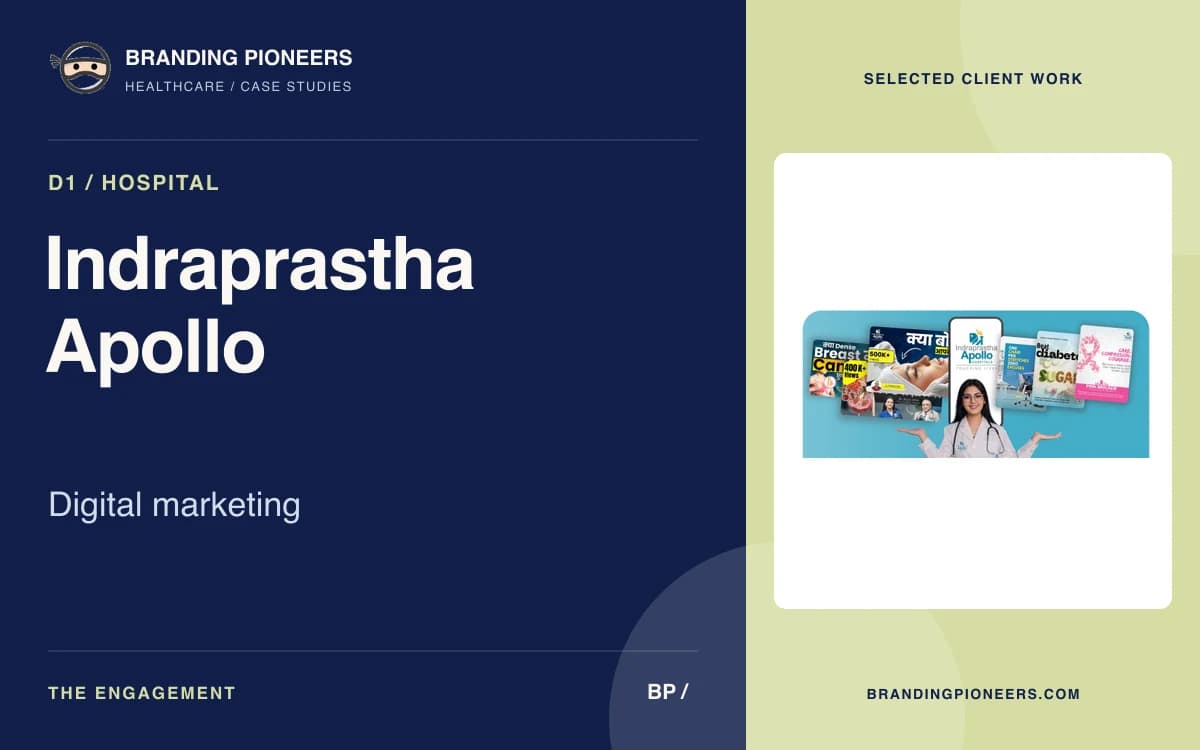
Begin with the engagement scope and the material made public on this page. A case file can document a website, creative collection, channel programme or source report without publishing every commercial or operational detail. Identify which of those it contains before making comparisons. The client name and sector establish context, while the stated programme explains the type of work involved. Where the page includes artwork, inspect the message and its format directly rather than inferring results from the quality of the presentation.
Source reports need their own reading rules. Keep the reporting window, comparison window and platform definitions attached to any figure. A Search Console screenshot describes search activity in the client’s property; an advertising report describes delivery within the ad account. Neither is an appointment ledger. If a screenshot includes a previous period, check whether the two windows have comparable durations and whether demand or site coverage changed. A favourable number can be useful evidence while still needing context before it informs a new budget.