The argument for an AI receptionist is not that it is smarter than the person at your front desk. It obviously is not.
The argument is that your front desk is on another call, or checking in a patient, or at lunch, or gone for the day — and during those hours the phone still rings, and nobody picks it up. The competition an AI receptionist is beating is not your receptionist. It is voicemail.
Once you frame it that way, the rollout decisions get much easier, because you know which calls you are trying to catch and which ones you are not.
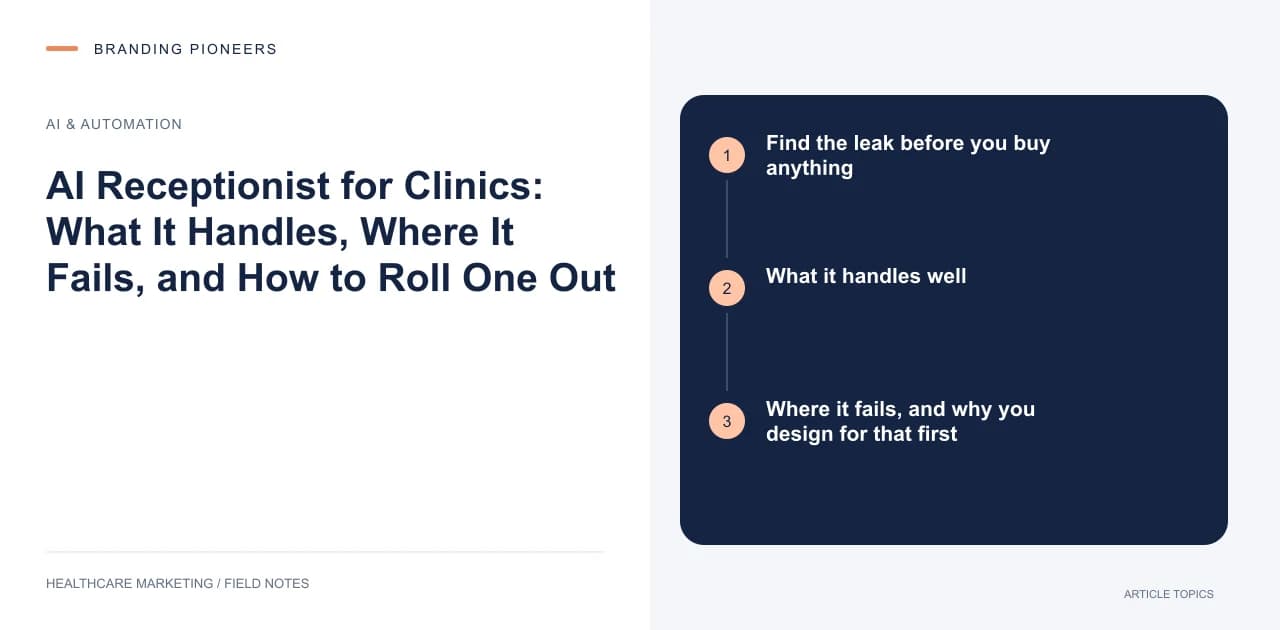
Find the leak before you buy anything
Pull a month of call data from your phone system. You want four numbers: total inbound calls, missed calls, calls missed while another call was in progress, and calls that arrived outside opening hours.
Most practices have never looked at this, and the result is usually uncomfortable. The pattern is consistent — a spike at opening time that the desk cannot absorb, a dead hour at lunch, and a long tail in the evening when working patients finally have a moment.
Those three windows are the business case. If they are small, an AI receptionist is a convenience. If they are large, it is the highest-return thing on your list, ahead of any campaign. This is the same diagnosis we run in front desk not converting calls, and it is worth doing with real data rather than an impression.
What it handles well
Current voice systems are genuinely reliable on a narrow set of jobs, all of which are high-volume and low-judgement:
New patient enquiries — capturing name, number, what they are calling about, and offering the next available slot.
Appointment booking, rescheduling and cancellation, provided it can write to the actual calendar.
Repetitive information: opening hours, parking, which floor, which insurers you accept, whether a referral is needed, what to bring, how to prepare for a scan.
After-hours message capture with a structured summary, so the morning callback list is a list rather than seven voicemails.
Routing — getting a pharmacy, a hospital or a lab to the right extension instead of the general queue.
That is not a small set. In most clinics it is the majority of inbound volume.
Where it fails, and why you design for that first
It fails on clinical questions, and it must be built to refuse them rather than attempt them. A patient asking whether their chest pain is serious needs a human, immediately and unconditionally.
It fails on distress. Someone crying, someone shouting, someone describing a symptom with panic in their voice. Detection here is imperfect, so the escalation threshold should be set generously.
It fails on names and spellings, more in some markets than others. Indian names with regional spelling variants, Arabic names transliterated three different ways, and any caller who switches between Hindi and English mid-sentence will break a system tuned on North American English. Test in the languages your patients actually speak before you sign.
It fails on exceptions — the patient who is also the doctor's cousin, the insurer that needs a manual pre-authorisation, the appointment that has to be moved because the consultant is in theatre.
And it fails, in a specific and damaging way, when it is too good at sounding human. A caller who discovers late in a conversation that they have been talking to software feels tricked. Say what it is in the first sentence.
Write the escalation rules before the greeting
The most common implementation error is spending three weeks perfecting the conversation and an afternoon on the handoff. Reverse it.
Three triggers should move a call to a human without negotiation: the caller asks for one, in any wording; the system hears an urgency or distress signal; or two consecutive turns fail to make progress.
Then decide what "a human" means at two in the morning. If the answer is nobody, the system must say so honestly and give the emergency instruction — not offer to take a message from someone having a cardiac event.
The emergency script comes first in the call flow, not last. Before the menu, before the greeting pleasantries: if this is an emergency, hang up and call the local emergency number, stated explicitly for your country.
Integration is the whole project
A voice agent that cannot write to your calendar is an expensive answering machine. The vendor demo will not make this obvious, because the demo runs against a mock booking system.
Ask these before you sign. Does it write directly to our practice management system or EHR, or to a separate calendar that someone reconciles by hand? What happens when the two disagree? Can it see real availability per consultant, including blocked theatre days? Can it collect the fields our registration actually needs? Where do transcripts live, for how long, and can we export them?
If the honest answer to the first question is "a separate calendar", you are buying a message-taking service, and you should price it as one. That integration work is where the real cost of these projects sits — the AI and automation services side of a deployment is usually a larger line item than the voice licence itself.