NewNMC’s advertising guidelines for doctors are in force from 6 Oct 2026. See what to change, and get a free compliance auditNew NMC advertising rules for doctors: what to change
Analytics

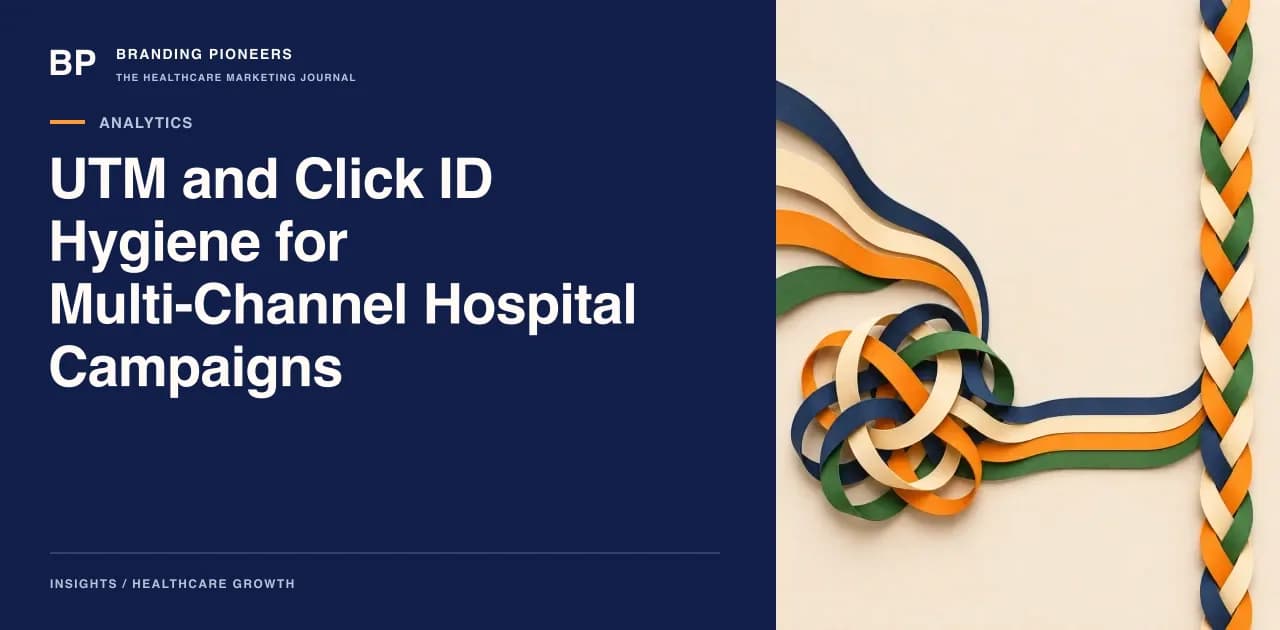
UTM and Click ID Hygiene for Multi-Channel Hospital Campaigns

A working convention for hospital campaigns: UTM naming rules, how to keep Google and Meta click IDs from the landing page to the CRM, and which hidden form fields to add.

UTM and Click ID Hygiene for Multi-Channel Hospital Campaigns

This checklist is for marketing teams that run several channels for the same hospital or group: search ads, Meta ads, YouTube, email, WhatsApp broadcasts, partner listings and print QR codes. If your monthly report has a long tail of sources such as "Google", "google", "goog" and "(not set)", the problem is naming and capture, not analytics software.

The aim is narrow. Every enquiry should arrive in the CRM with a source you can trust, a campaign you can read, and, where the platform provides one, the click identifier that lets you send a later outcome back. That needs three things: a naming convention that people follow, a mechanism that keeps the values alive from the first landing page to the form submit, and hidden fields that carry them into your lead record.

This article covers those three. It does not cover what to do with the data afterwards. For stage definitions and channel credit, see the companion piece on closed-loop attribution by CRM stage.

Why the convention matters more than the tool

Google's guidance on custom campaign URLs states that parameter values are case sensitive, so utm_source=google and utm_source=Google are different values. It also warns that leaving out relevant parameters leads to (not set) values in reporting. Both are in the URL builder documentation, which is worth reading once as a team.

In a hospital, tagging is usually done by several people: the in-house marketer, two agencies, the doctor's PA who sends a broadcast, and a vendor who prints a QR code. Without a rule everyone invents their own. The cost shows up three months later when you cannot tell whether a spike came from a campaign or from a typo.

The convention: five rules

1. Lower case only, hyphens for spaces, no spaces or punctuation beyond hyphens and underscores. Write joint-replacement, not Joint Replacement or joint_replacement.

2. A closed list for source and medium. Do not allow free text. Publish the list and treat anything else as an error.

utm_sourceutm_mediumUsed for
googlecpcSearch and Performance Max ads
youtubevideoYouTube ads
metapaid-socialFacebook and Instagram ads
instagramorganic-socialPosts, bio link, stories
whatsappbroadcastCampaign messages to opted-in contacts
emailnewsletterOpted-in email
gbporganic-localGoogle Business Profile links
partnerreferralInsurer, TPA or corporate pages
qrprintHoardings, brochures, OPD desk

Ads that Google auto-tags are a special case, covered below. The table is for everything you tag by hand.

3. A fixed campaign pattern. One that works: dept-service-city-objective-yyyymm, for example ortho-knee-replacement-pune-consult-202612. The month suffix stops last quarter's name being reused for a different offer.

4. Use utm_content for creative and utm_term for keyword or audience only. Keep creative names short and unique, such as video-doctor-explainer-v2. Do not put a doctor's name in a free-text field if the doctor has not agreed to it.

5. Never put personal data in a URL. Google's guidance on avoiding PII in Analytics says the URL path and parameters must both be free of PII, and that campaign parameters are included. A link in a broadcast that carries a patient's phone number or name is a data protection problem and a reporting problem. Use a campaign code, never an identity.

Keep the convention in one shared sheet with a URL-builder tab that outputs the final link. The sheet should have a validation list for source and medium so that nobody types them. Version it, date it and name an owner.

Auto-tagged ads and click IDs

Paid platforms add their own identifiers when you click an ad.

Google's click identifier, the GCLID, links a click to a later conversion. Google's help page on importing conversions from ad clicks explains that a click ID must be present for a file-based offline import to match, and that a GBRAID is used for aggregate measurement on iOS and Safari. The same page calls the file-based method legacy and recommends enhanced conversions for leads for new setups.

Meta's equivalent is the fbclid query parameter. Meta's documentation on fbp and fbc parameters describes how the _fbc value is built from the fbclid, in the form version, subdomain index, creation time and the fbclid itself. It notes the fbclid is case sensitive and should not be altered, and it recommends storing the _fbc cookie with a 90-day expiry.

Two practical consequences follow.

First, do not strip or rewrite these parameters in redirects. A well-meaning redirect from an old URL to a new one that drops the query string will silently erase your click IDs. Test every landing page URL with a dummy click ID appended and confirm it survives to the final page.

Second, keep hand-tagged UTMs on links where the platform auto-tags only the click ID. Auto-tagging and UTMs can sit together. The click ID is for the ad platform; UTMs are for your own analytics and CRM. Make sure your final URL template for Meta ads carries your UTMs, for example through the platform's URL parameter field, rather than relying on the fbclid to describe the campaign.
Want this applied to your practice? Get a free analytics audit.

Book my free audit

Persist values across pages

The visitor who clicks an ad rarely submits a form on the landing page. They read a treatment page, check the doctor list, go to the contact page, and leave and return. By then the original query string is gone unless you keep it.

The usual fix is a small script that, on first arrival, reads the UTM parameters and click IDs from the URL and writes them into a first-party cookie or local storage on your own domain. A separate pair of values records the most recent visit. Use these rules:

  • Write the first-touch values once and never overwrite them.
  • Overwrite the last-touch values only when the new visit has its own campaign parameters or click ID, so that a direct return does not erase a good source.
  • Record the landing page and the timestamp of the first visit.
  • Set a defined expiry and write it down. If your retention is shorter than your consideration cycle for elective procedures, you will lose the source of the slowest decisions.
  • Load the script only according to your consent design. First-party storage of campaign values still needs to match your cookie notice, and the approach to consent for measurement tags is covered in the post on server-side tracking and consent mode.

Cross-domain journeys deserve separate attention. If your appointment booking page lives on a vendor's subdomain or another domain, the stored values do not follow the visitor. Pass the values through the link into the booking form, or configure cross-domain measurement and test it with a real booking.

Hidden form fields

Every enquiry form, including the quick-call-back widget and the chatbot hand-off, should carry hidden fields that the script fills in on page load. A minimum set:

Hidden fieldFilled with
first_source, first_medium, first_campaignFirst-touch UTMs
last_source, last_medium, last_campaign, last_contentLatest campaign values
gclidGoogle click ID, if present
gbraidGoogle iOS/Safari identifier, if present
fbclid or fbcMeta click value, if present
landing_pageFirst page URL, without the query string
first_visit_atTimestamp of first touch
form_idWhich form was submitted

Map each hidden field to a named CRM field with the same name. Mismatched names are the commonest reason a field arrives blank. Run a form test after every site release, because a theme update or a form plugin change can drop hidden fields without any visible error.

Phone, WhatsApp and walk-in enquiries

Forms are the easy case. Many hospital enquiries come by phone or WhatsApp, where no hidden fields exist.

  • Calls: use dynamic or campaign-specific numbers so that the call log records a source. See call tracking for healthcare for the setup, and the call tracking and attribution service if you need it implemented.
  • WhatsApp click-to-chat: the URL parameters do not travel into the chat. Pre-fill the first message with a short code, such as a campaign code the agent can read, and log it in the CRM. Do not pre-fill anything that identifies the patient.
  • Walk-ins and QR codes: print a QR code that carries utm_source=qr and a location-specific campaign, and give the OPD desk a short question for how the patient heard about the service.
  • Multi-department campaigns: if one campaign structure serves several departments, the tagging must carry the department, as described in the post on multi-department campaign architecture.

The audit checklist

Run this monthly. It takes about an hour.

  1. Export all distinct source and medium pairs from the last 30 days. Anything outside the closed list is an error to fix at origin.
  2. Count enquiries with an empty first source. Investigate every landing page and form where the count is high.
  3. Click five live ads and confirm the final URL keeps both the UTMs and the platform's click ID.
  4. Submit a test enquiry on each form with test parameters and confirm every hidden field arrives in the CRM.
  5. Check redirect rules for any that drop query strings.
  6. Confirm no URL, UTM or hidden field contains a name, phone number or email address.
  7. Update the convention sheet and tell everyone who tags links.

If you want the tracking layer implemented and tested across the whole site, our analytics and tracking service covers the tag setup and form integration.

Filed underUTM tracking hospitalUTM naming convention healthcaregclid fbclid hidden form fieldscampaign tagging hospital marketingclick ID tracking clinic website

About the author

Co-Founder & CTO · Gurugram, India

Arush builds the systems the rest of the company runs on — the patient-acquisition pipelines, the AI chatbots, the analytics that tie a single click to a booked appointment. If a campaign reports a number, it's because something his team built is tracking it.

Free guide · 15 pages

The Patient Acquisition Blueprint

A 90-day plan from first search to booked appointment.

The Pioneers Brief — one essay, three benchmarks, one teardown, every Thursday. Subscribe free →

Free analytics audit

Your next chapter starts with a conversation.

Three quick questions. We come prepared with a plan for your specialty and city.

  • A 30-minute call with a healthcare specialist
  • Your top three growth opportunities, in writing
  • Honest advice — even if that means not hiring us
  • No obligation and no hard sell
You’ll speak with a senior strategist
Consultations are hosted by Arush Thapar’s team.
Step 1 of 3Takes 30 seconds

What do you want to improve first?

Details stay privateNo obligationReply within 1 working day

Client portfolio · Healthcare websites

Work relevant to utm and click id hygiene for multi channel hospital campaigns.

Explore client work →