This article is for marketing teams at hospitals, clinics and healthtech companies who run Meta campaigns and have noticed that the signals they used to optimise on have thinned out. It assumes you already know what the Pixel and the Conversions API do. It does not repeat the policy summary in our earlier piece on what clinics can still track on Meta. It goes one step further and asks what the restrictions do to the delivery system, and how to plan a campaign around that.
The short version is that a restricted data source does not stop your ads. It reduces what the ad auction can learn from. A campaign that used to optimise toward a booking-type event may now be optimising toward something much weaker, and nothing in the dashboard announces the change. The result is a flatter, less selective delivery pattern that is easy to misread as a creative problem or an audience problem.
Treat everything below as a working method. Meta's categorisation is applied per data source and can change, so confirm the current state in your own Events Manager before acting on any of it.
What Meta changed, in plain terms
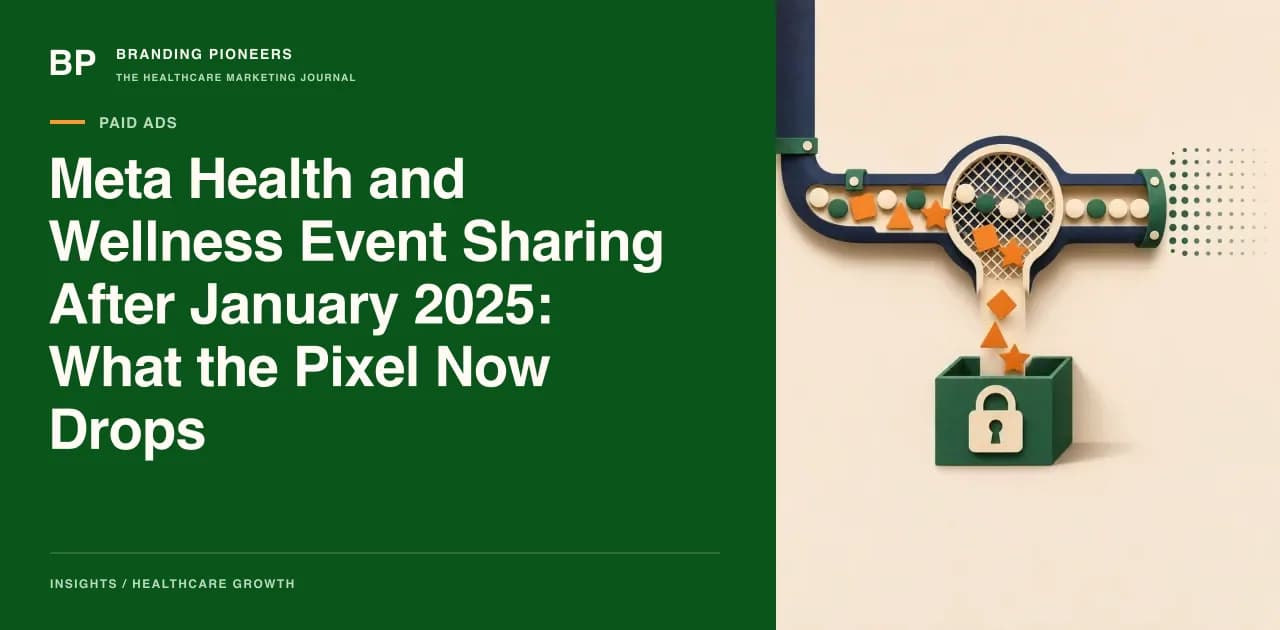
Trade press reported that Meta added restrictions from January 2025 on what certain categories of website and app can share through its business tools, with health and wellness named among them. Digiday's report describes the category as businesses associated with medical conditions, specific health statuses or provider and patient relationships, and notes that for some advertisers lower-funnel conversion events would no longer be usable. Meta's own help page on restricted information is the place to read the current wording.
Two points matter for planning. First, the restriction attaches to the data source, meaning the Pixel or the Conversions API dataset, not to the ad account. Two clinics with the same ad account can have different restrictions if their websites send different data. Second, the Conversions API does not bypass this. Server-side events from a restricted source can be dropped on receipt.
Meta has also said advertisers remain responsible for what they send. That is a reason to audit your own events rather than rely on Meta's filters to catch everything.
How restricted events flatten the optimisation signal
Meta's delivery system learns from the events you tell it to optimise for. When the conversion event closest to revenue is unavailable, the campaign falls back to an event higher in the funnel. In practice that usually means landing page views, link clicks or reach-style goals.
Those signals describe interest, not intent. A person who taps an ad about a specialty is not the same as a person who completes an appointment request. The delivery system can no longer distinguish between the two, so it spends toward whoever clicks cheaply. In our experience, this shows up as rising click volume, stable or falling cost per click, and a booking line that does not move.
There is a second effect on reporting. If an event cannot be reported on, the Ads Manager conversion column for that event goes quiet or becomes unreliable. A marketing lead who relies on that column will see an apparent collapse in conversions that is really a loss of measurement. The patients may still be arriving.
Audit your data sources before changing anything
Run this audit once, document it, and repeat it quarterly.
- List every data source. In Events Manager, note each Pixel and dataset connected to the ad account, including old ones from previous agencies.
- Read the status of each. Look for restriction notices on the source and on individual events. Record which standard events are shown as limited.
- Inspect what each page sends. Use the Pixel Helper or your tag manager preview on the booking page, the thank-you page and a condition page. Look at the URL and the custom parameters attached to each event.
- Check URLs for condition names. A URL such as a path ending in a diagnosis name tells Meta something about the visitor. Where the clinical team agrees, use neutral paths for forms and confirmation pages.
- Check custom parameters. Any field carrying a condition, a procedure, a medication or an appointment reason is a candidate for removal.
- Check form fields passed to the Pixel. Automatic advanced matching can hash form fields. Review which fields it reads.
If your data source has been categorised in error, Meta provides a way to request a review from Events Manager. Do not rename events or disguise parameters to slip past the filters. That treats a policy as a technical obstacle, and it puts the account at greater risk than the restriction itself.
What still works, and what each signal is good for
| Signal | Usually available | What it tells the algorithm |
|---|
| Reach and impressions | Yes | Nothing about intent |
| Link clicks, landing page views | Yes | Interest in the page |
| Engagement on the ad | Yes | Interest in the creative |
| Messaging conversations started | Yes, through the ad format | A person was willing to talk |
| Instant form submissions | Yes, held inside Meta | A person gave contact details |
| Website lead or booking events | May be limited | Closest to intent, when available |
| Offline or CRM stage events | Depends on the setup and category | Quality of the lead |
The table is a planning aid, not a promise. Verify the status of each row against your own account.
Two options deserve attention. Conversations started inside Meta's messaging ads and submissions on Meta's instant forms happen inside Meta's own surfaces, so the optimisation signal does not depend on your website sending data. They carry their own quality problems, covered in our pieces on lead form quality and click-to-WhatsApp flows, but they are signals the platform can see.
Plan campaigns around the signal you have
When the best event is unavailable, change the structure of the campaign rather than hoping the algorithm will cope.
Optimise for the best available proxy, then judge by your own data. Pick the lowest-funnel signal that is actually available. Then measure real outcomes in your CRM, because Ads Manager will no longer be the system of record for bookings. A basic setup in Pioneer CRM or any CRM that records source, owner and outcome for every enquiry is enough to begin, as long as the source field is mandatory.
Narrow the offer, not the audience. With weak intent signals, the ad itself must do the filtering. State the service, the location and the next step. An ad that is vague about what the clinic treats will attract curious clicks and few appointment requests.
Cap exposure per ad set. A flatter delivery pattern can waste budget quickly. Set daily budgets that match what you can afford to test over a full week, and review by ad set rather than by account.
Separate prospecting from re-engagement. People who engaged with your own Meta assets can still be reached with engagement-based custom audiences. Keep those in their own ad sets so their results do not blur with cold delivery.
Move conversion reporting to your own system. Use UTM parameters on the landing URL for your analytics tool, keep them out of anything sent to Meta, and reconcile weekly with the CRM. Our guide to server-side tracking and consent mode for healthcare explains how to keep first-party measurement separate from what you share with ad platforms, and the Meta Ads service page outlines how we structure accounts.
Hypothetical example: reading a flat week
Imagine a 120-bed hospital in Pune whose Meta report shows clicks up and booked appointments unchanged over a month. The tempting conclusion is that creative has fatigued. The better first step is to check the data source status and the optimisation event of each ad set. If the ad sets that used to optimise for a lead event are now optimising for landing page views, the click increase is expected, because the system is now buying clicks.
The next step is to compare the CRM's appointment count by source for the same period. If booked appointments from Meta are unchanged while clicks rose, the signal has flattened. If they fell, the problem is more likely to be in creative, offer or speed of response. The numbers here are hypothetical, and the logic is the point: separate a measurement problem from a demand problem before changing anything.
A short checklist for the next review
- Every Pixel and dataset documented, with restriction status noted.
- No condition names in URLs, event parameters or form field names that reach Meta.
- Each ad set's optimisation event recorded, and changed where it silently fell back.
- CRM source field mandatory for every enquiry, including phone and walk-in.
- Weekly reconciliation between Ads Manager and the CRM, by campaign.
- Clinical and legal review of any change to what the website shares.
- A named owner for re-checking Meta's help page every quarter.
Meta's categories and tools will keep changing, and the safest posture is to assume less data will be available over time, and to build your measurement in a place you control. For a deeper review of your account structure, start with our Meta Ads for healthcare service page.
Filed undermeta health and wellness category eventsmeta pixel health restrictionsmeta restricted data source events managermeta ads optimisation health clinicsmeta business tools health data

About the author
Arush Thapar
Co-Founder & CTO · Gurugram, India
Arush builds the systems the rest of the company runs on — the patient-acquisition pipelines, the AI chatbots, the analytics that tie a single click to a booked appointment. If a campaign reports a number, it's because something his team built is tracking it.
Free guide · 15 pages
The Patient Acquisition Blueprint
A 90-day plan from first search to booked appointment.