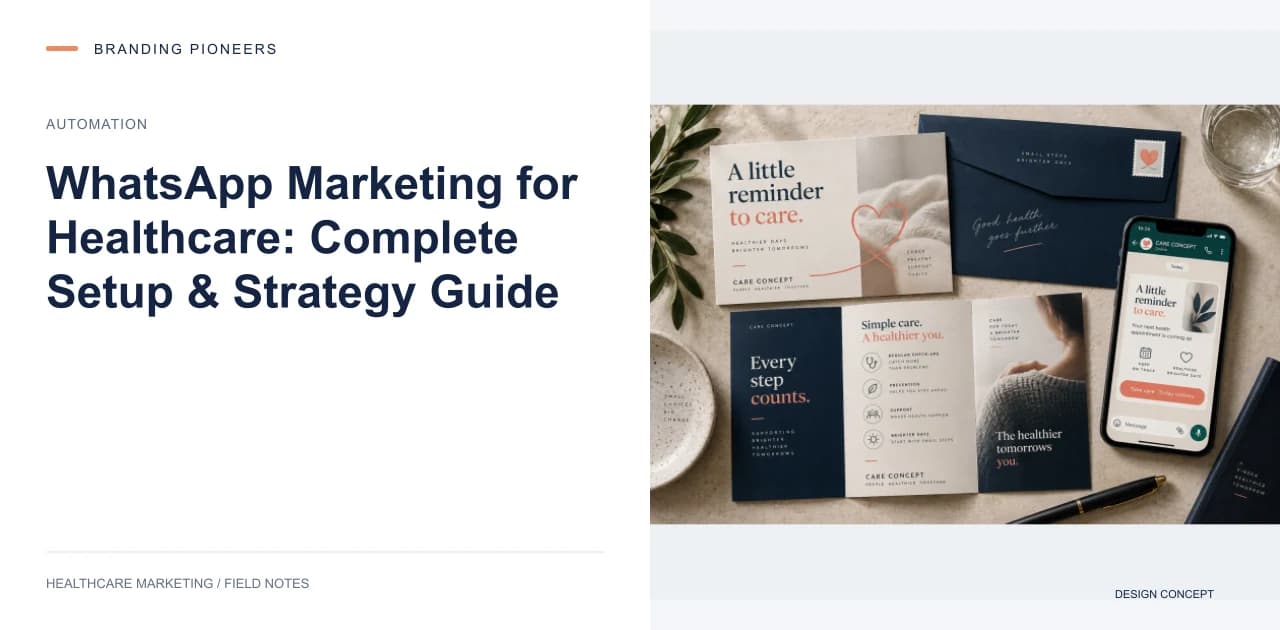
Why WhatsApp Outperforms Every Other Channel
In India, the vast majority of smartphone users have WhatsApp installed, and they open it far more reliably and far faster than email or SMS. When a patient receives a WhatsApp message from your clinic, they are very likely to see it.
For healthcare practices in India, the Middle East, and Southeast Asia, WhatsApp is not just a messaging app. It is the primary digital communication channel. Practices that build systematic WhatsApp marketing and communication workflows consistently outperform those relying on phone calls and email alone.
WhatsApp Business App vs. WhatsApp Business API
The free WhatsApp Business app works for small practices with low message volume. You get a business profile, automated greeting messages, quick replies, and catalog features. But it is limited to one device, cannot integrate with your CRM, and does not support automation beyond basic auto-replies.
The WhatsApp Business API (accessed through providers like Wati, AiSensy, Interakt, or Twilio) unlocks everything a healthcare practice needs: multi-agent access (your entire front desk can respond), CRM integration, automated message sequences, template messages for appointment reminders, broadcast campaigns to segmented lists, and detailed analytics.
The API costs 3,000 to 15,000 rupees per month depending on volume, plus per-message charges for business-initiated conversations. For any practice sending more than 50 messages per day, the API is worth the investment.
Setting Up WhatsApp Business API
Step one: Choose a Business Solution Provider. For healthcare, we recommend Wati or AiSensy for Indian practices (good Hindi support, local payment options) and Twilio for international practices (better global coverage).
Step two: Get your number approved. You will need a dedicated phone number for your WhatsApp business account. This can be a new number or an existing business landline. The verification process takes 24 to 48 hours.
Step three: Create your business profile with your practice name, logo, address, business hours, and website. This appears to patients when they first message you.
Step four: Design your message templates. WhatsApp requires pre-approved templates for business-initiated messages. Submit templates for appointment confirmations, reminders, follow-ups, review requests, and marketing campaigns. Template approval takes 24 to 72 hours.
Essential Automation Sequences
Build these five automation sequences before doing anything else.
Sequence one: New inquiry response. When a patient messages your WhatsApp number for the first time, an automated response should greet them by name, confirm their message was received, provide your clinic hours, and ask what service they are interested in. A human agent should follow up within 5 minutes during business hours.
Sequence two: Appointment confirmation. Immediately after booking, send a confirmation message with the doctor name, date, time, location with a Google Maps link, and any preparation instructions.
Sequence three: Appointment reminder. Send reminders 24 hours and 2 hours before the appointment. Include a one-tap option to confirm or reschedule. Practices implementing this sequence reduce no-shows by 30 to 40 percent.
Sequence four: Post-visit follow-up. 2 hours after the appointment, send a thank you message with any care instructions. 24 hours later, send a short check-in asking whether the patient has questions. Leave review requests out of this sequence if it goes out in a doctor's name: NMC's 2026 guidelines say a doctor shall not request patient reviews for professional promotion (Explanation V to para 3.2).
Sequence five: Re-engagement. For patients who have not visited in 6 months, send a gentle check-in message with an invitation to book their next appointment. Include a one-tap booking link.