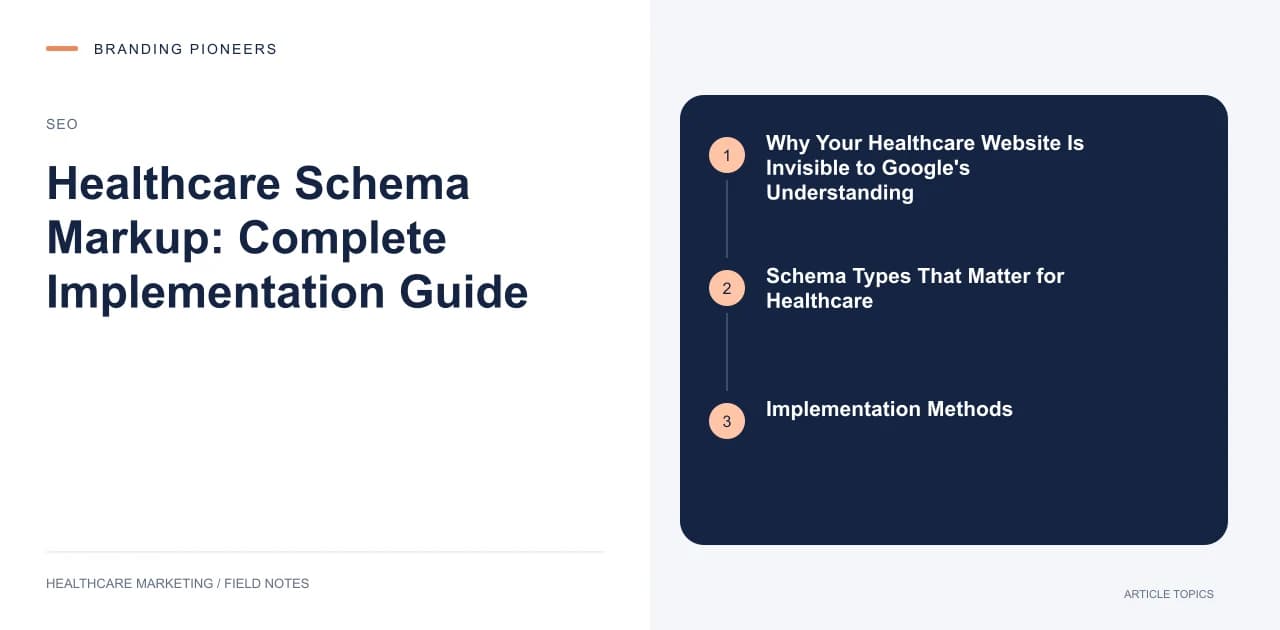
Why Your Healthcare Website Is Invisible to Google's Understanding
Google does not read your website the way a human reads it. It processes signals, parses structure, and makes inferences. When a page says "Dr. Anjali Mehta is available for consultation on Mondays and Wednesdays from 9am to 5pm," Google can read those words — but without schema markup, it has to infer that this is a person, that they are a doctor, that these are availability hours, and that this is medically relevant.
Schema markup removes the inference. It tells Google explicitly: this is a MedicalClinic. This is a Physician. These are the openingHours. This is the medicalSpecialty. Here is the address with geographic coordinates.
The result is richer search appearances, more confident ranking decisions by Google's algorithms, and — in some cases — direct eligibility for rich results that dramatically improve click-through rates.
For healthcare specifically, the stakes are higher than in most industries. Google gives YMYL categories (health, finance, legal) extra scrutiny. Schema markup that accurately and completely describes your healthcare content helps establish the trustworthiness signals that YMYL rankings require.
This is a complete implementation guide. By the end, you will know exactly which schema types to implement, how to structure them, and how to verify they are working.
Schema Types That Matter for Healthcare
1. MedicalClinic / Hospital
The foundation schema for any healthcare facility. Use MedicalClinic for clinics, outpatient centers, and specialist practices. Use Hospital for inpatient facilities.
``json { "@context": "https://schema.org", "@type": "MedicalClinic", "name": "Aster Prime Hospital Hyderabad", "description": "Multi-specialty hospital offering cardiac care, orthopedics, neurology, and oncology in Ameerpet, Hyderabad.", "url": "https://www.asterhospitals.in/hospitals/hyderabad", "telephone": "+91-40-4455-4455", "address": { "@type": "PostalAddress", "streetAddress": "Plot No. 2, Survey No. 74, Ameerpet", "addressLocality": "Hyderabad", "addressRegion": "Telangana", "postalCode": "500016", "addressCountry": "IN" }, "geo": { "@type": "GeoCoordinates", "latitude": "17.4355", "longitude": "78.4468" }, "openingHoursSpecification": [ { "@type": "OpeningHoursSpecification", "dayOfWeek": ["Monday","Tuesday","Wednesday","Thursday","Friday","Saturday"], "opens": "08:00", "closes": "20:00" } ], "medicalSpecialty": ["Cardiology", "Orthopedics", "Neurology", "Oncology"], "availableService": { "@type": "MedicalProcedure", "name": "Cardiac Angioplasty" } } ``
Key fields you cannot skip: name, address (complete with all subfields), telephone, geo (lat/long), medicalSpecialty, and openingHoursSpecification. Missing these is the difference between a full rich result and a basic listing.
2. Physician Schema
Every doctor on your website should have a Physician schema markup on their profile page.
``json { "@context": "https://schema.org", "@type": "Physician", "name": "Dr. Priya Raghunathan", "description": "Senior Consultant Cardiologist with 18 years of experience in interventional cardiology.", "medicalSpecialty": "Cardiology", "knowsAbout": ["Coronary Artery Disease", "Angioplasty", "Heart Failure", "Echocardiography"], "worksFor": { "@type": "Hospital", "name": "Narayana Health City Bangalore" }, "alumniOf": { "@type": "EducationalOrganization", "name": "All India Institute of Medical Sciences" }, "hasCredential": { "@type": "EducationalOccupationalCredential", "credentialCategory": "degree", "name": "MD (Cardiology), FRCP (Edinburgh)" } } ``
The knowsAbout array is particularly valuable — it helps Google understand the physician's specific areas of expertise and surfaces their profile for relevant condition-specific searches.
3. MedicalProcedure Schema
For each procedure your hospital performs, a dedicated page with MedicalProcedure schema significantly improves how Google understands and surfaces that content.
``json { "@context": "https://schema.org", "@type": "MedicalProcedure", "name": "Laparoscopic Cholecystectomy (Gallbladder Removal)", "description": "Minimally invasive surgical removal of the gallbladder using laparoscopic technique.", "procedureType": "Surgical", "followup": "Typically discharged in 24-48 hours. Full recovery in 1-2 weeks.", "preparation": "Fasting for 8 hours before procedure. Pre-operative blood tests required.", "howPerformed": "Surgeon makes 3-4 small incisions. Camera and instruments inserted. Gallbladder removed through umbilical incision.", "indication": { "@type": "MedicalIndication", "name": "Gallstones causing pain or complications" } } ``
4. FAQPage Schema
FAQ schema produces rich results — the expanded accordion-style answers that appear directly in search results, occupying significantly more SERP real estate than standard blue links.
For healthcare, FAQ schema belongs on:
- Every procedure page (most common patient questions about the procedure)
- Every condition page (treatment options, symptoms, when to see a doctor)
- Department landing pages
- Any page with a Q&A section
``json { "@context": "https://schema.org", "@type": "FAQPage", "mainEntity": [ { "@type": "Question", "name": "How long does knee replacement surgery recovery take?", "acceptedAnswer": { "@type": "Answer", "text": "Most patients begin walking with a walker within 24 hours of surgery. Independent walking without aids is typical at 4-6 weeks. Full recovery, including return to low-impact sports, takes 3-6 months. Our physiotherapy protocol begins on Day 1 post-surgery." } }, { "@type": "Question", "name": "What is the cost of knee replacement surgery at your hospital?", "acceptedAnswer": { "@type": "Answer", "text": "Total knee replacement at our facility ranges from ₹1,80,000 to ₹3,50,000 depending on implant type (standard, high-flex, or gender-specific) and room category. CGHS, ECHS, and most major insurance plans are accepted. Contact us for a detailed cost estimate." } } ] } ``
5. Breadcrumb Schema
Breadcrumb schema helps Google understand your site hierarchy and often produces breadcrumb displays in search results, which improves click-through rates.
``json { "@context": "https://schema.org", "@type": "BreadcrumbList", "itemListElement": [ { "@type": "ListItem", "position": 1, "name": "Home", "item": "https://www.yourhospital.com" }, { "@type": "ListItem", "position": 2, "name": "Departments", "item": "https://www.yourhospital.com/departments" }, { "@type": "ListItem", "position": 3, "name": "Cardiology", "item": "https://www.yourhospital.com/departments/cardiology" } ] } ``
6. Review / AggregateRating Schema
AggregateRating schema can produce star rating displays in search results, which is one of the highest click-through rate improvements available. For Indian practices, use it with care: the NMC's 6 October 2026 guidelines bar doctors from sharing patient testimonials or reviews for promotion (Explanation V to para 3.2), so don't build testimonial pages on your site to feed it. See our NMC guide.
Critical note: Google's policies prohibit self-serving review schema — you cannot use AggregateRating schema for reviews you have collected yourself and hosted only on your own site. Reviews must be sourced from a recognized third-party platform (Google, Practo, Justdial) or from a structured review collection process that meets Google's standards.
If your reviews are legitimately third-party-verifiable, the schema:
``json { "@context": "https://schema.org", "@type": "MedicalClinic", "name": "Cloudnine Hospital Malad", "aggregateRating": { "@type": "AggregateRating", "ratingValue": "4.7", "reviewCount": "342", "bestRating": "5", "worstRating": "1" } } ``