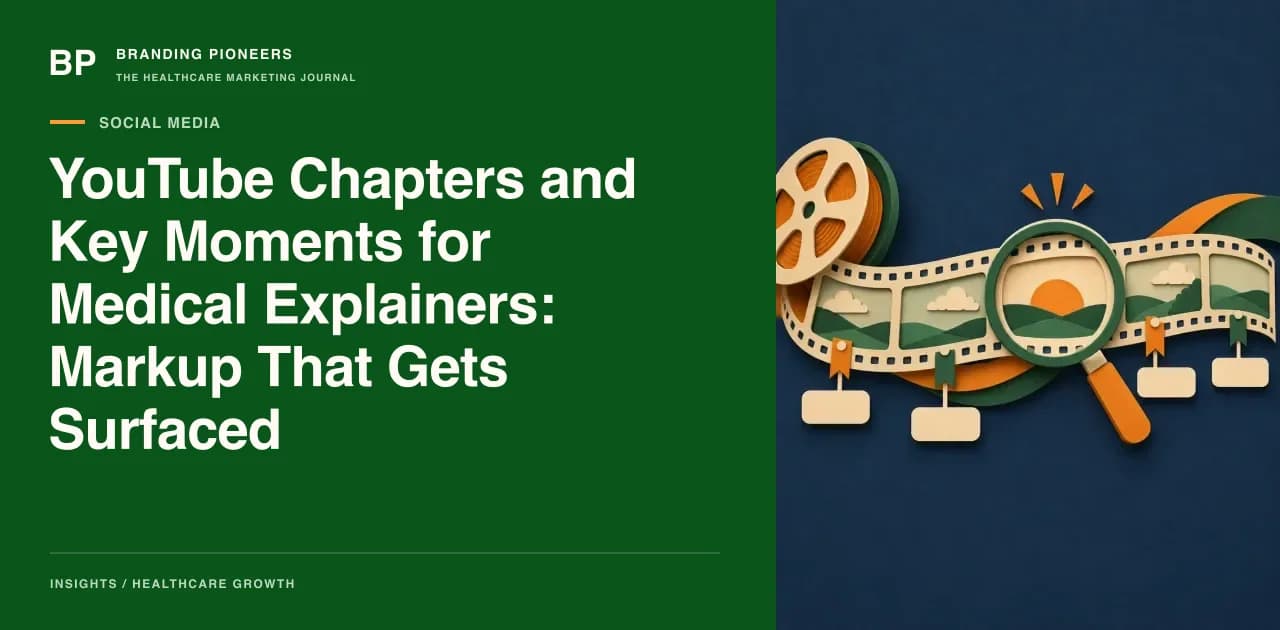
Most medical explainers on YouTube are watched in fragments. A person searching a symptom wants the two minutes on causes, not the full fifteen-minute talk, and search features that jump straight to a point in a video exist for exactly that behaviour. This post is for marketing teams that publish doctor and hospital video and want those fragments to be findable, accurate and safe to surface.
It answers a narrow, practical question: which parts of your chapter timestamps, titles and transcripts affect key-moment results in Google Search, and how do you prepare them for the AI answers that increasingly cite video? It covers what Google and YouTube document, the editorial rules we use for medical content, a markup option for videos on your own site, and a quality-control routine.
We separate what the platforms say from what we infer. Key-moment display is automatic and not guaranteed; no timestamp format forces it. Clinical content in the chapters still needs medical review.
Why chapters matter more for health video
Video has become a visible source for health answers. An SE Ranking analysis of AI Overviews for German-language health queries found that YouTube accounted for 4.43% of all citations, 20,621 of 465,823, more than twice the share of MSD Manuals. It was a one-time snapshot from December 2025 in one market, so treat it as a signal and not an Indian benchmark. We have not tested Indian queries. What the study does show is that video is part of the answer layer for health, and a video with clear structure is easier for a system to cite precisely than a single long block.
That is the case for chapters. A viewer, a search engine and an AI system all need the same thing: a way to find the part of the video that answers their question.
What Google and YouTube say
Three documents matter.
YouTube chapters. The YouTube help page on chapters states the manual requirements. The first timestamp must be 00:00, there must be at least three timestamps in ascending order, and each chapter must be at least ten seconds long. You add them with titles in the video description. Manual chapters override automatic ones. Automatic chapters exist, but not every video is eligible, so do not rely on them for medical content where wording matters.
Key moments in Google Search. Google's video structured data documentation explains that Google tries to detect a video's segments automatically and may show them as key moments, but that it prioritises key moments set by the publisher. For YouTube-hosted videos, key moments can be defined with timestamps and labels in the description. The documentation gives format rules: write time as hour, minute, second and omit the hour when it is zero; put each label on the same line as its timestamp, with each timestamp on its own line; list timestamps in chronological order; and give each label at least one word.
Markup for videos on your own site. For videos embedded on your pages, the same documentation describes two options: Clip markup, where you set a start time, an end time and a label for each segment, and SeekToAction markup, which tells Google how your URL timestamps are structured. Google recommends Clip if you want to identify the moments yourself. The documentation lists requirements, including that the video must support deep linking to a point other than the start, that VideoObject markup must be on a page where users can watch the video, and that the video must be at least thirty seconds long.
Treat all of this as eligibility, not a switch. Google says it may show key moments, and the display depends on the query and the video.
Writing chapter titles that work
A chapter title is a tiny piece of search copy and a tiny piece of medical communication. Rules we use:
- Write the patient's question or the plain topic. "What causes sciatica pain?" beats "Aetiology". "Recovery in the first two weeks" beats "Post-operative course".
- Include the main term once. If the video is about knee replacement, a chapter called "Risks of knee replacement" helps. Do not repeat the keyword in every chapter.
- Keep titles short and distinct. Two chapters with nearly identical labels confuse viewers and weaken the signal.
- Order matters. Put the sections that answer the most common questions in logical sequence, and put the red-flag or urgent-care chapter where a viewer will find it, with a clear label such as "When to seek urgent help".
- No claims in the titles. Do not write "Best treatment", "Guaranteed recovery" or "Success rate" as chapter titles.
- Add an introduction chapter. Because the first timestamp must be 00:00, name it, for example "What this video covers", instead of leaving it as a default.
Transcripts and captions
Titles tell the system where a section begins. The transcript tells it what the section says. Upload a reviewed caption file instead of relying on auto-captions alone, because medical terms, drug names and place names are often wrong in automatic transcription, and a wrong word in a caption is a clinical error in public.
A short routine for the team:
- Export the auto-generated transcript, correct every medical term, and have the doctor check it.
- Ensure the spoken words under each chapter match its title. If the chapter says "Risks" and the speaker moves to costs, split the chapter.
- Spell out abbreviations on first use. Say "CT scan" and "computed tomography" if the audience uses both.
- Publish the corrected transcript on the web page that hosts the video. This gives the video a text equivalent that serves readers and search engines. Our E-E-A-T content framework for healthcare websites explains how to show authorship and review on that page.
We do not claim that a transcript on the page directly raises citations; the documentation does not say so. It is good practice for accessibility and accuracy, and a plausible aid to understanding.
Marking up videos on your own site
If your hospital hosts the explainer on a service or condition page, add structured data that mirrors the chapters. The schema markup glossary entry gives the basics, and the schema.org VideoObject and Clip types define the vocabulary. In outline:
- A VideoObject with name, description, thumbnail URL, upload date and content or embed URL.
- A set of Clip items under it, each with a name, a start offset in seconds, an end offset and a URL that deep-links to that point.
- Offsets and labels identical to the chapters you published on YouTube, so the experience is consistent.
Run the page through Google's Rich Results Test and the URL Inspection tool after deployment. If the video plays through an embed that does not support deep-linking, Clip markup will not meet the documented requirements, so test that a link with a time parameter opens at the right point.