The Technical Reality Most Healthcare Marketing Teams Ignore
In a room of healthcare marketing directors, ask how many know their website's Core Web Vitals score. Maybe two or three hands go up. Ask how many know their Cumulative Layout Shift score specifically. One, if you're lucky.
Meanwhile, these technical metrics directly influence Google rankings — which determine how many patients find your hospital — and they directly influence the patient experience on your site. A site with poor Core Web Vitals ranks lower and converts fewer visitors. Both problems are expensive.
This guide is for healthcare organisations that want to understand what actually matters technically, why it matters, and what to do about it.
Core Web Vitals: The Three Numbers That Matter
Google uses Core Web Vitals as a ranking signal across all search results. For healthcare specifically, where local search competition is intense and the stakes of ranking position are high, these metrics are worth understanding precisely.
Largest Contentful Paint (LCP). How long it takes the largest visible element on the page to load. For most hospital websites, this is the hero image or header. Google's threshold: under 2.5 seconds is "good." 2.5 to 4 seconds is "needs improvement." Over 4 seconds is "poor."
We measure LCP across our hospital client portfolio quarterly. When we first take on a new hospital site, it very often has LCP above the 2.5-second threshold. After optimisation, LCP typically drops well within the "good" range, and ranking improvements tend to follow within a few months.
What causes slow LCP: uncompressed images (the single biggest culprit on hospital sites), external fonts loading synchronously, heavy third-party scripts (chat widgets, ad pixels, social embeds), poor server response time.
Interaction to Next Paint (INP). Replaced First Input Delay in March 2024. Measures how quickly the page responds to user interactions — clicks, taps, typing. Under 200ms is "good." This is primarily a JavaScript problem: too much script on the page, or script that blocks interaction.
Hospital websites frequently struggle here because of accumulated plugins, chat widgets, cookie consent tools, booking widget scripts, and analytics tags. Every one of these adds to INP.
Cumulative Layout Shift (CLS). Measures visual stability — how much the page layout shifts after initial load. A CLS above 0.1 means things are moving on screen unexpectedly, which causes users to click the wrong element and disrupts reading. Under 0.1 is "good."
The most common cause on hospital sites: images without explicit width and height attributes, ads loading after content, and embedded booking widgets that expand the page after load.
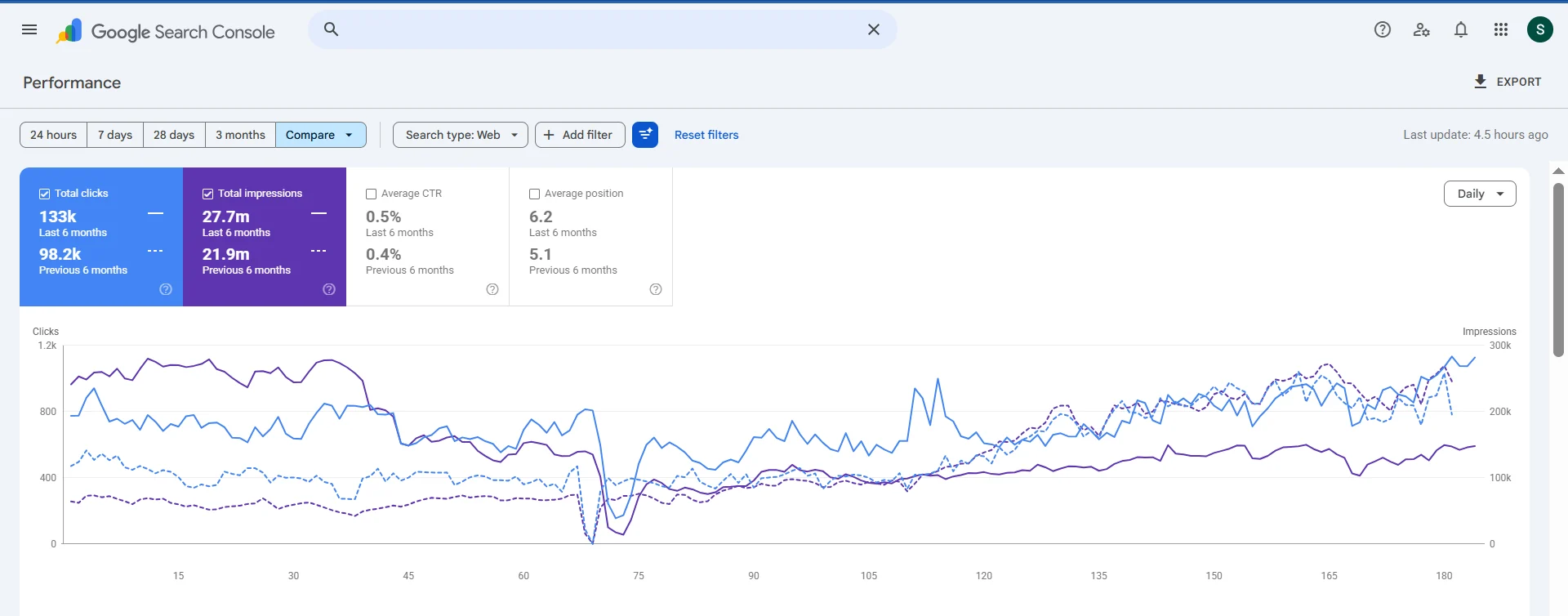
How to measure. PageSpeed Insights (free, Google) shows your real-world Core Web Vitals scores based on Chrome user data. Also check Google Search Console's Core Web Vitals report, which shows failing URLs across your site.
Page Speed Optimisation: The Practical Steps
Image optimisation is mandatory. Hospital websites are image-heavy by nature — facility photos, doctor headshots, procedure images. Every image should be:
- Converted to WebP format (30 to 50 percent smaller than JPEG at equivalent quality)
- Compressed before upload (TinyPNG, Squoosh, or ImageOptim)
- Served at the correct display size (not a 4000px image displayed at 400px)
- Set with explicit width and height attributes
- Lazy loaded if below the fold
On a typical hospital website, image optimisation alone reduces page weight by 40 to 60 percent and improves LCP by 0.5 to 1.5 seconds.
Eliminate render-blocking resources. CSS and JavaScript that load in the document head delay rendering. Audit your site with Google's PageSpeed Insights to identify render-blocking resources. Load non-critical CSS asynchronously. Defer or lazy-load non-critical JavaScript.
Use a CDN. A Content Delivery Network serves your site's assets from servers geographically close to the user. For a hospital serving patients across India, a CDN means a patient in Chennai loads assets from a Chennai server rather than your Mumbai hosting location. Cloudflare offers a free tier that significantly improves load times for distributed traffic.
Minimise third-party scripts. Audit every third-party script on your site. For each one: is it actively used? Could it be replaced with a lighter alternative? Could it be deferred until after the page loads? A typical hospital site has 8 to 15 third-party scripts. Removing or deferring half of them typically improves INP by 40 to 80ms.
Enable caching. Browser caching means returning visitors load your site from their local cache rather than requesting fresh assets each time. Server-side caching means the server delivers pre-rendered pages rather than building them on each request. Both are standard in modern hosting and should be enabled.
Accessibility: The Ethical and Legal Case
The ethical case. Hospitals serve patients with disabilities — visual impairment, motor difficulties, cognitive differences. A website that is inaccessible to these users fails the patients most likely to need hospital services. An elderly patient with poor eyesight cannot navigate a site with 12px grey text on a white background. A patient with motor difficulties cannot use a booking form that requires precise mouse clicks on tiny targets.
The legal case. India's Rights of Persons with Disabilities Act 2016 and its associated guidelines require digital accessibility for public-facing services. International organisations like JCI-accredited hospitals also face requirements from international accessibility standards. This is not a future risk — it is a current obligation.
WCAG 2.1 AA: The Standard. Web Content Accessibility Guidelines 2.1 at Level AA is the accepted standard for healthcare websites. Key requirements:
Colour contrast. Text must have a contrast ratio of at least 4.5:1 against its background. Many hospital websites use light grey text that fails this test. Check with the free WebAIM Contrast Checker.
Alt text. Every image must have descriptive alt text for screen readers. "Doctor smiling" is not useful alt text. "Dr. Priya Sharma, interventional cardiologist at [Hospital Name]" is useful alt text.
Keyboard navigation. Every function on the site must be operable by keyboard alone. Tab through your site — can you reach every link, every form field, every button without a mouse? If not, patients with motor disabilities cannot use your site.
Form labels. Every form input must have a visible, associated label. Placeholder text alone is not sufficient — it disappears when the user starts typing.
Video captions. Any video content must have captions for deaf or hard-of-hearing users. YouTube auto-captions are imperfect but acceptable as a starting point; edit them for medical terminology accuracy.
Touch target size. Interactive elements should be at least 44px × 44px on mobile. A "Book Now" button that is only 20px tall is not tappable reliably by users with tremor or large fingers.
Free audit tool. Run your site through axe DevTools (browser extension) or WAVE (wave.webaim.org) to get an automated accessibility report. Automated tools catch 30 to 40 percent of accessibility issues. Manual testing catches the rest.
What Google Specifically Evaluates in Healthcare
Beyond Core Web Vitals, Google applies its highest content quality standards to healthcare pages:
E-E-A-T signals. Experience, Expertise, Authoritativeness, Trustworthiness. For medical content: named authors with credentials, consistent author bylines, citation of sources, About Us pages with team bios, accreditation information, and a comprehensive Contact page with physical address and phone number.
Structured data. Schema markup helps Google understand your site's content. For hospitals: MedicalOrganization schema (name, address, phone, opening hours, medical specialty). For doctors: Physician schema. For FAQ sections: FAQPage schema. For articles: Article schema with author, date published, and modified date.
HTTPS. Every healthcare website must use HTTPS. HTTP is a ranking signal deficiency and it destroys patient trust — the "Not Secure" warning in Chrome kills conversion rates. If your site is not on HTTPS in 2026, this is a same-day fix.
Mobile-first indexing. Google's index is mobile-first, meaning it evaluates your mobile site's quality as the primary signal for ranking. Your mobile experience must be as complete as desktop — same content, same navigation, same functionality.
Page experience signals. Beyond Core Web Vitals, Google evaluates: is the page served over HTTPS? Are there intrusive interstitials (full-screen pop-ups that block content)? These signal negative user experience and can suppress rankings.
A Practical Audit Framework
Run this quarterly:
- PageSpeed Insights on your homepage, top specialty pages, and top blog posts. Target: LCP under 2.5s, INP under 200ms, CLS under 0.1.
- Google Search Console Core Web Vitals report. Check for "Poor URL" count and prioritise those pages.
- WAVE accessibility scan on homepage and main patient-facing pages. Address all "Errors" first, then "Alerts."
- Manual keyboard navigation test on your booking flow. Tab through to completion without touching your mouse.
- Mobile usability report in Google Search Console. Zero mobile usability errors should be the baseline.
Technical SEO and accessibility are not glamorous. They do not generate the instant validation that a social media campaign does. But they are the foundation that determines whether your other marketing efforts produce results. A slow, inaccessible site undermines every rupee you spend on content, paid advertising, and SEO.
Get Your Technical Website Audit →
Filed underhealthcare website best practiceshospital website speedmedical website SEOhealthcare website accessibility

About the author
Arush Thapar
Co-Founder & CTO · Gurugram, India
Arush builds the systems the rest of the company runs on — the patient-acquisition pipelines, the AI chatbots, the analytics that tie a single click to a booked appointment. If a campaign reports a number, it's because something his team built is tracking it.
Free guide · 15 pages
WhatsApp AI Chatbot for Hospitals (14-Day Deploy)
The 14-day WhatsApp booking-bot implementation playbook.