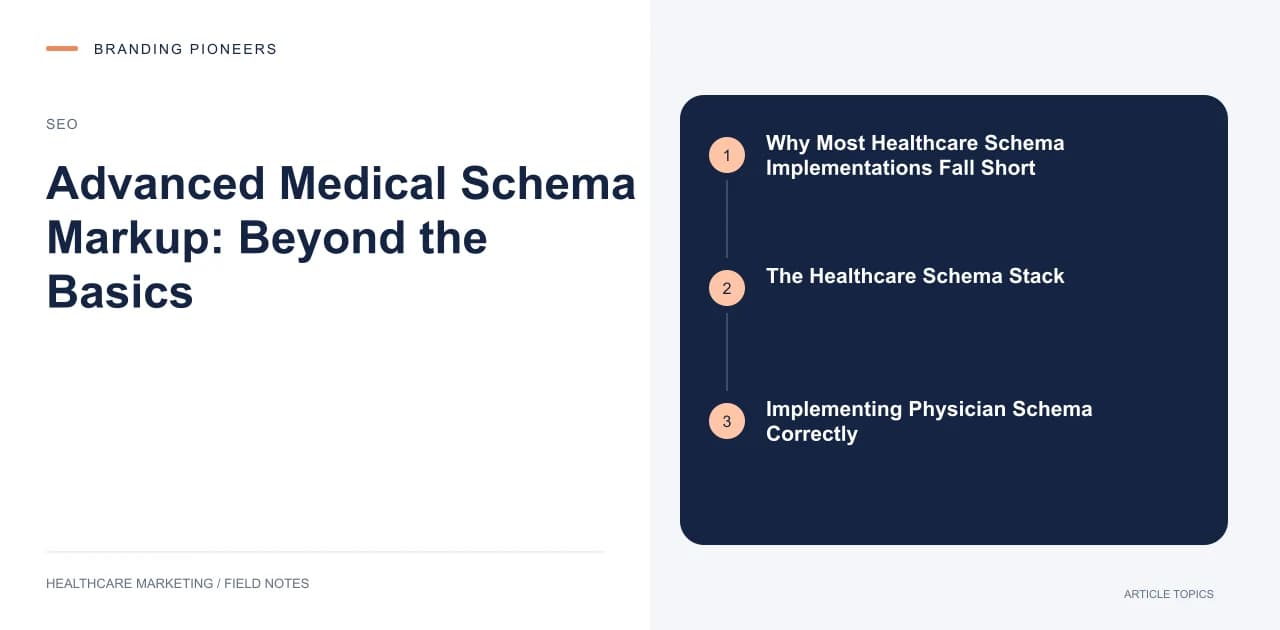
Why Most Healthcare Schema Implementations Fall Short
If you have implemented basic LocalBusiness or Organization schema on your healthcare website, you have done the minimum. But the minimum no longer creates a competitive advantage. In 2025, roughly 73 percent of healthcare websites have at least basic schema — which means basic schema is table stakes, not a differentiator.
The advanced schema types specific to healthcare — MedicalBusiness, Physician, MedicalCondition, MedicalProcedure, and MedicalClinic — remain dramatically underutilized. Only about 12 percent of healthcare websites implement these specialty schema types. That gap is your opportunity.
The Healthcare Schema Stack
Think of schema markup as a stack with four layers, each building on the one below it:
Layer 1: Organization and Location. MedicalBusiness schema with your name, address, phone, hours, insurance accepted, and medical specialty. This is the foundation.
Layer 2: People. Physician schema for each doctor, including credentials (medicalSpecialty, qualification), hospital affiliations, and areas of expertise. Link these to the MedicalBusiness they belong to.
Layer 3: Conditions and Procedures. MedicalCondition schema on condition pages (symptoms, risk factors, typical test) and MedicalProcedure schema on treatment pages (how performed, preparation, recovery time).
Layer 4: Content and Trust. MedicalWebPage schema on clinical content pages, with author attribution linking to Physician schema. FAQPage schema on FAQ sections. Review schema on testimonial pages.
Most healthcare sites implement Layer 1 and stop. Each additional layer you build creates compounding benefits in how Google understands and trusts your content.
Implementing Physician Schema Correctly
Physician schema is where most implementations go wrong. A common mistake is using generic Person schema for doctors instead of the Physician type. Here is what a proper physician schema should include:
The @type should be "Physician." Include medicalSpecialty with the specific specialty (use Schema.org's defined list — "Cardiology," "Orthopedics," etc.). Add qualifications with degree names and granting institutions. Include hospitalAffiliation linking to Hospital schema entities. Add availableService listing the procedures and treatments they perform.
The critical connection: link your Physician schema to your MedicalBusiness schema using the memberOf property, and link your clinical content pages to the Physician schema using the author property. This creates a connected graph that Google can traverse to understand the expertise behind your content.
Practices that implement proper Physician schema see their doctor profile pages appear in knowledge panels roughly 35 percent more often than those using generic Person schema.
MedicalCondition and MedicalProcedure Schema
These are the schema types that most directly impact search visibility for your service line pages. On a page about knee replacement, implementing MedicalProcedure schema tells Google explicitly what procedure the page covers, enabling more precise search matching.
For MedicalProcedure, include: name, procedureType (Surgical, NonSurgical, Diagnostic), body location, how the procedure is performed, preparation instructions, followup care, and typical duration. For MedicalCondition, include: name, associated anatomy, possible treatment, risk factor, sign or symptom, and typical test.
These schema types are particularly valuable because they feed into Google's health knowledge panels. When Google has confidence in your structured data, your pages may be referenced in knowledge panel "Treatment" and "Diagnosis" sections — premium placement that generates significant click-through traffic.